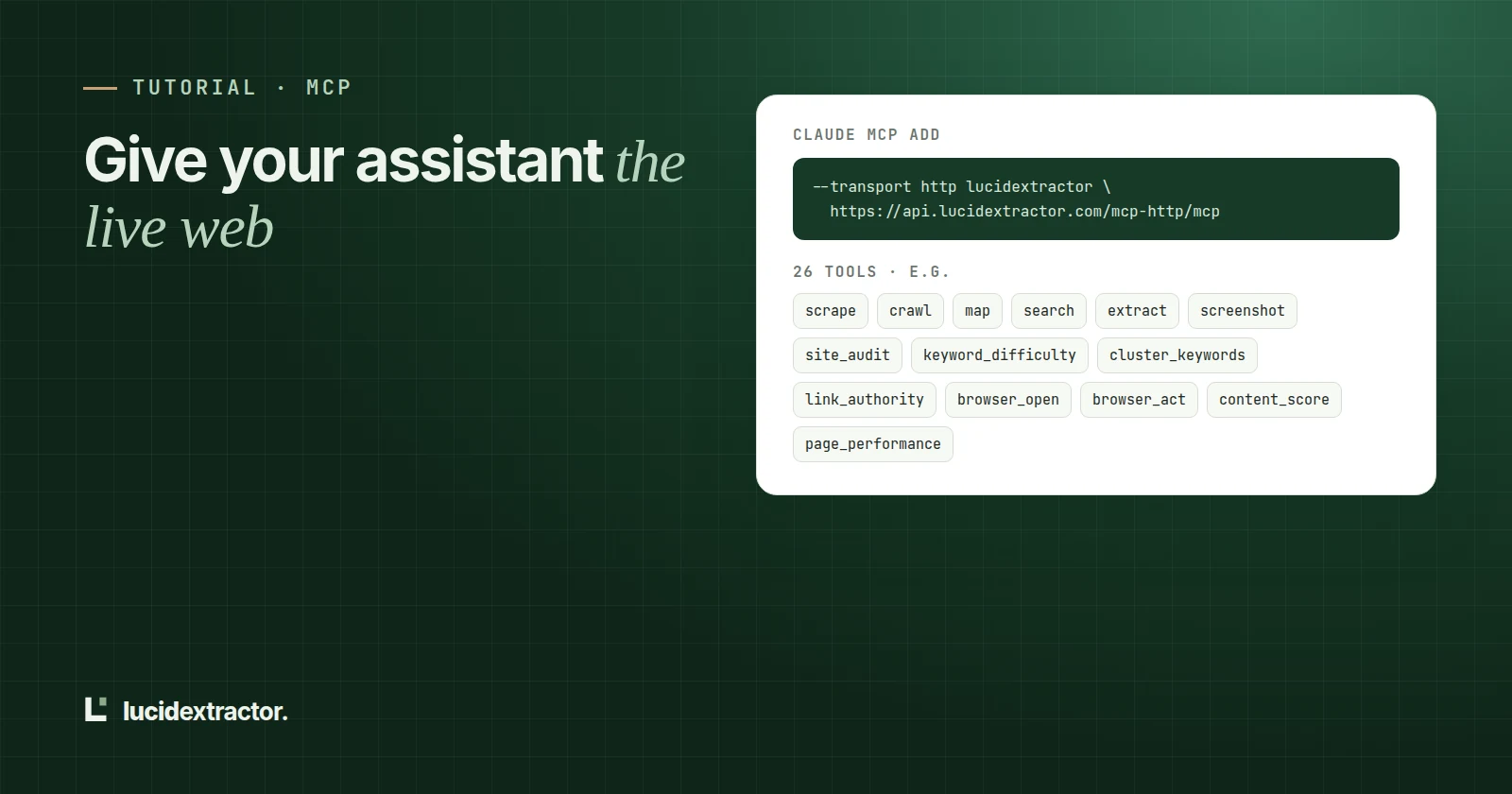
Add an MCP server entry that points at https://api.lucidextractor.com/mcp-http/mcp with your API key in an Authorization header. Your assistant can then call tools to scrape a page as markdown, crawl or map a site, extract structured data, take screenshots, analyze on-page SEO and run browser actions, and each call costs the same credits as the matching API request.
Tool list and the scrape tool were exercised over Streamable HTTP on 4 November 2026.
Language models know a lot about the web as it was when they were trained. They know nothing about the page you just published or the price a competitor changed this morning. The Model Context Protocol (MCP) fixes that by letting an assistant call tools you provide, and a web-data tool server is one of the most useful ones to add.
What MCP is, in one paragraph
MCP is an open protocol for connecting AI applications to tools and data. A client (Claude Code, Cursor, Claude Desktop and many others) connects to a server, asks which tools it offers, and lets the model call them during a conversation. Our server speaks MCP over Streamable HTTP, so there is nothing to install on your machine for clients that support remote servers.
Setup
You need an API key from the dashboard (API keys → Create key). Every client below uses the same endpoint:
https://api.lucidextractor.com/mcp-http/mcpThe server accepts the key as Authorization: Bearer <key> or as an X-API-Key header.
Claude Code
claude mcp add --transport http lucidextractor \
  https://api.lucidextractor.com/mcp-http/mcp \
  --header "Authorization: Bearer $LUCID_API_KEY"
Run claude mcp list to confirm it connected, then ask something like "Read https://docs.python.org/3/tutorial/classes.html and summarise how instance variables work."
Cursor
Add this to .cursor/mcp.json in your project (or ~/.cursor/mcp.json for every project):
{
  "mcpServers": {
    "lucidextractor": {
      "url": "https://api.lucidextractor.com/mcp-http/mcp",
      "headers": { "Authorization": "Bearer YOUR_API_KEY" }
    }
  }
}
Keep the file out of version control if it contains the key.
Claude Desktop
Claude Desktop's config file launches local servers, so use the small mcp-remote bridge to reach a remote one. Edit claude_desktop_config.json (on macOS: ~/Library/Application Support/Claude/; on Windows: %APPDATA%\Claude\):
{
  "mcpServers": {
    "lucidextractor": {
      "command": "npx",
      "args": [
        "mcp-remote",
        "https://api.lucidextractor.com/mcp-http/mcp",
        "--header",
        "Authorization:${LUCID_AUTH}"
      ],
      "env": { "LUCID_AUTH": "Bearer YOUR_API_KEY" }
    }
  }
}
The header value goes through an environment variable because some systems split arguments on spaces. Restart Claude Desktop after saving.
The 9 tools, grouped by job
| Job | Tools | Typical use |
|---|---|---|
| Read the web | scrape, crawl, map, sitemap, extract, screenshot | "Read this page", "Collect every docs page under /guide/", "Pull the price and rating as JSON" |
| Interact | actions | Click, type, scroll and wait on a page in a real browser, then read the result |
| Monitor | monitor | Start watching a page for changes |
| SEO | seo | On-page SEO analysis of a URL: title, meta tags, headings, links and images |
What a tool call returns
scrape returns the page as markdown by default (output_format also accepts html, text and json). Set render_js: true for pages that only fill in after JavaScript runs. If a page cannot be fetched, the tool returns success: false with the reason. That gives the model something true to say instead of summarising an error page as if it were the content.
Prompts that work well
- "Map https://fastapi.tiangolo.com and list the tutorial pages about request bodies, then read the two most relevant ones."
- "Crawl https://example.com up to 25 pages and list the pages that have no meta description."
- "Run an SEO analysis of https://example.com and tell me the three fixes with the biggest impact."
Treat page content as untrusted
Anything a tool returns comes from a web page, and web pages can contain text written to manipulate an AI ("ignore your previous instructions and..."). A few habits keep you safe:
- Keep tools that can act on your behalf (sending email, writing files, running commands) behind confirmation when web content is in the conversation.
- Prefer read-only tools for research tasks.
What it costs
Each tool call spends the same credits as the matching API request. MCP calls draw on the same credit balance and the same plan rate limits as the REST API.
Frequently asked questions
Which transport should I use, SSE or Streamable HTTP?
Use Streamable HTTP at /mcp-http/mcp. An SSE endpoint at /mcp/sse remains for older clients, but new clients should not need it.
Can I use the same API key for MCP and the REST API?
Yes. It is the same key, with the same credits, limits and usage history.
Does the model see whole web pages?
It sees markdown by default, with only_main_content: true asking for the page's main content rather than navigation and footers. Use output_format: "html" if the model needs the raw markup.
Which assistants does this work with?
Any MCP client that supports remote servers over Streamable HTTP, plus local-only clients through mcp-remote. The client configs above follow each client's documented format.
Try it on a page you care about
500 free credits every month. No card needed, and every feature is included.